
Features

The whole school office,
finally in one calm place.

Seven modules. One managed portal. Records, attendance, fees, medical notes, announcements, parent access, and reports — designed to work together so your staff stops switching tabs and starts moving forward.

Calm 3D illustration of the Good Tree Portal module ecosystem
01 · Student 360 View

Open one student. See the whole story.

Staff can open a student profile and quickly see the details they need for office work, class records, parent communication, and follow-up — without juggling files.

What staff can see

  • Student name, ID, admission number, class, and section
  • Parent and guardian contact details
  • Address and family information
  • Documents, ID details, and school history
  • Attendance, fees, medical, and timeline tabs

How it helps

  • Faster answers for parent questions
  • Cleaner handover between office staff
  • Less dependence on scattered spreadsheets
  • Better follow-up for students who need attention

Calm 3D illustration of a student profile card with tabs and documents
02 · Attendance

See the day. Act on the day.

Track daily attendance, check who is present or absent, and review attendance history without opening separate files.

What staff can see

  • Daily attendance status
  • Student attendance history
  • Class and section attendance views
  • Attendance reports
  • Follow-up needs for repeated absences

How it helps

  • Staff can see attendance faster
  • Teachers and office staff stay aligned
  • Absences are easier to follow up
  • Reports are easier to prepare
Calm 3D illustration of attendance grid with check marks and student avatars
03 · Fees Collection

Fee records without the paper chase.

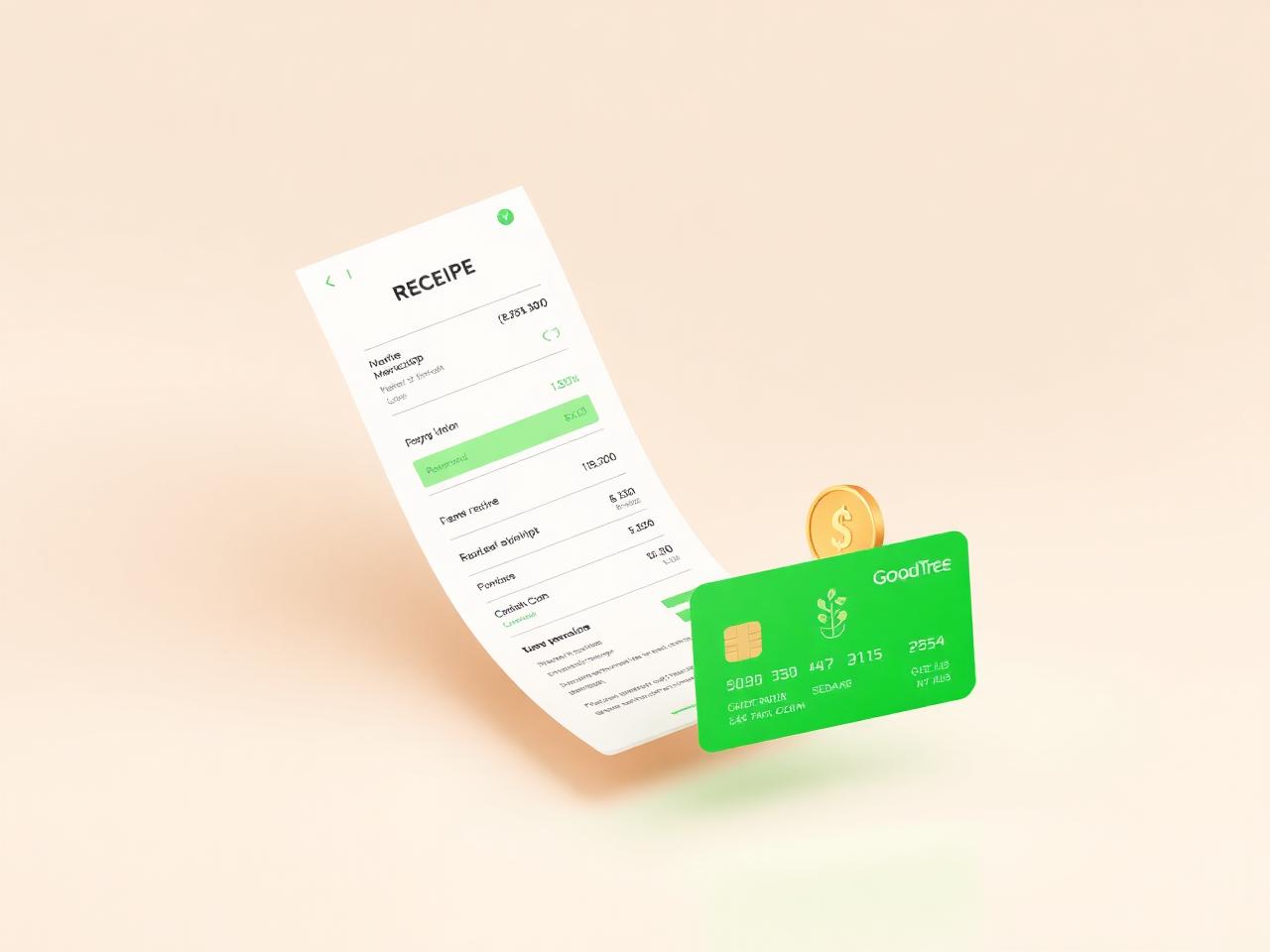
Good Tree Portal helps the cashier and school office check balances, record payments, review receipts, and follow up with families.

What staff can see

  • Fee assignments
  • Student balances
  • Payment history
  • Receipts and collection records
  • Discounts, reversals, and finance reports where enabled

How it helps

  • Faster balance checks
  • Better collection follow-up
  • Less confusion around payments
  • Easier reporting for school leadership
Calm 3D illustration of a receipt, credit card and coin
04 · Medical Records

Care notes connected to the student.

Keep clinic visits and important health notes closer to the student's record so the school can respond with more care.

What staff can see

  • Medical profile details
  • Clinic visit notes
  • Health concerns or alerts where configured
  • Related student information

How it helps

  • Easier clinic follow-up
  • Better handover when staff changes
  • Clearer student care history
  • Less risk of losing important notes
Calm 3D illustration of a clipboard medical record with a stethoscope
05 · Announcements

Updates families can find again.

Share notices, updates, and school information through the portal so important messages are easier to find after they are sent.

What staff can see

  • Notice board updates
  • School announcements
  • Parent/student portal content
  • Basic public or school information pages where enabled

How it helps

  • Fewer repeated questions
  • Easier access to school reminders
  • Clearer communication for families
  • Better record of what was shared
Calm 3D illustration of a mint-green megaphone with notice cards
06 · Parent & Student Access

A clearer window into school life.

Parents and students can log in to view important school information without always needing to message the office.

What staff can see

  • Student profile basics
  • Fees and balances where enabled
  • Attendance information
  • Notices and updates
  • Library, timeline, guidance, canteen, or medical areas where enabled

How it helps

  • Reduces repeated office questions
  • Gives families easier access
  • Supports better parent-school communication
  • Helps students and parents follow their own records
Calm 3D illustration of a family viewing a school portal on a phone
07 · Reports

See what needs attention. Plan with clarity.

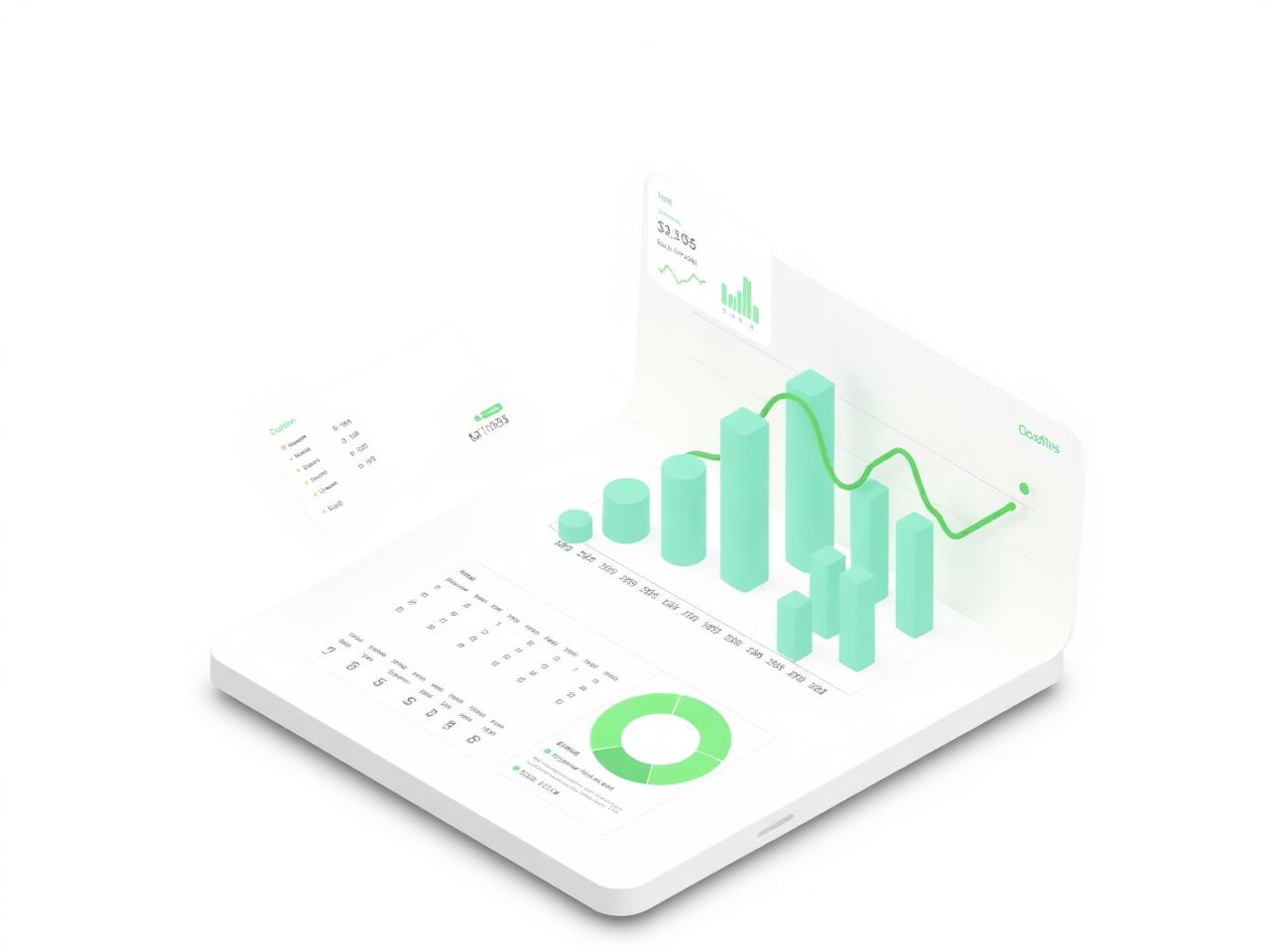
Good Tree Portal includes school reports across student records, fees, attendance, and operations so leaders can review information more clearly.

What staff can see

  • Student lists and class records
  • Attendance reports
  • Fee and collection reports
  • Finance reports where enabled
  • Operational reports based on active modules

How it helps

  • Clearer school review
  • Faster preparation for meetings
  • Better follow-up on attendance and balances
  • Less manual spreadsheet work
Calm 3D illustration of a clean analytics dashboard with charts

Bring the whole school office into one calm place.

A short demo with safe data is the fastest way to know if Good Tree Portal fits.